


Description
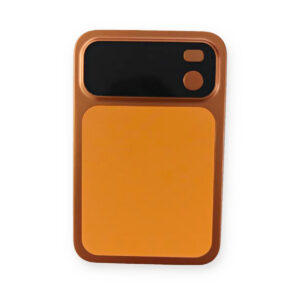
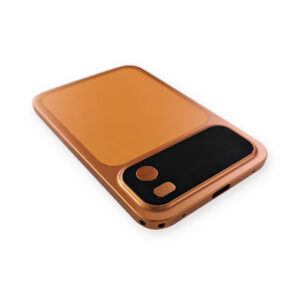
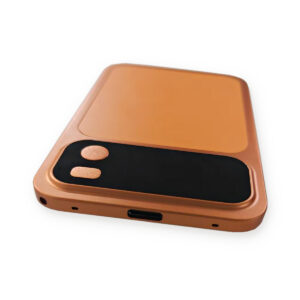
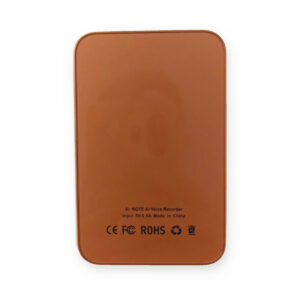
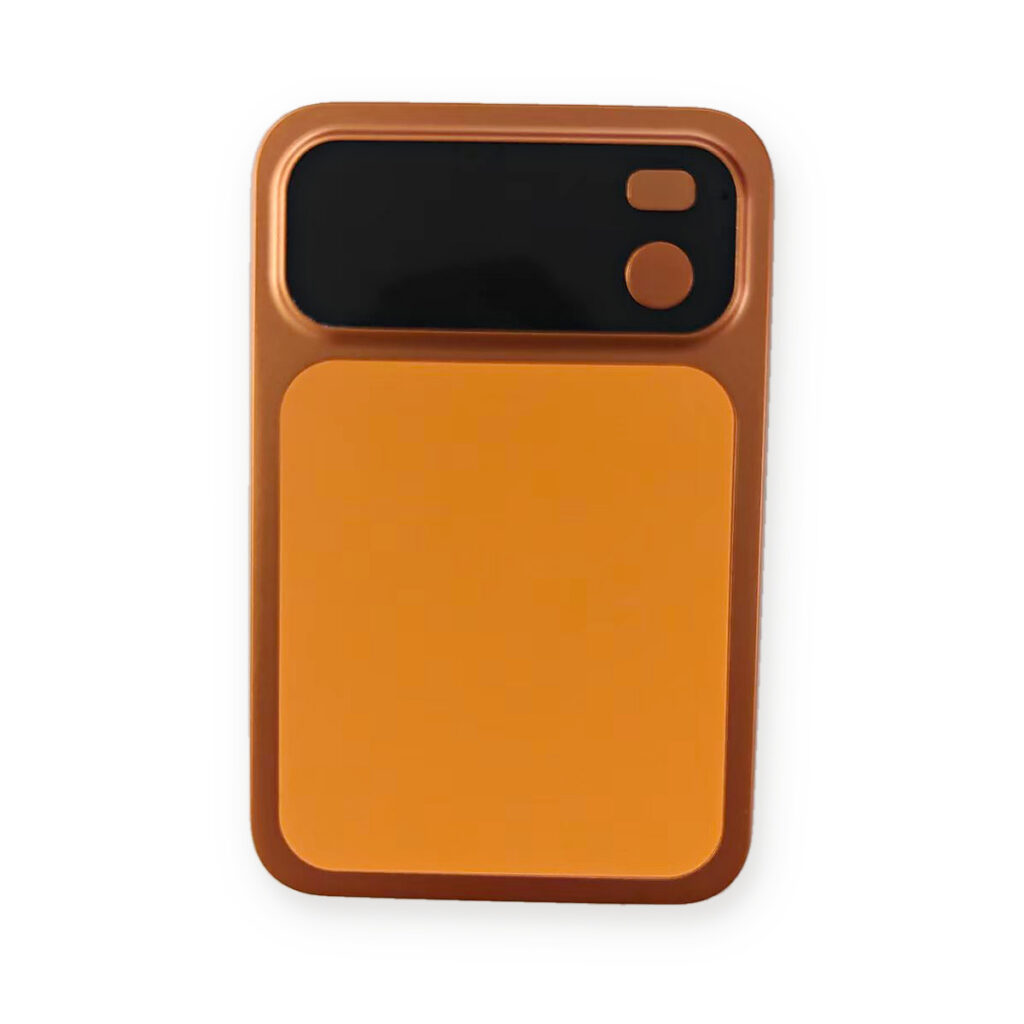
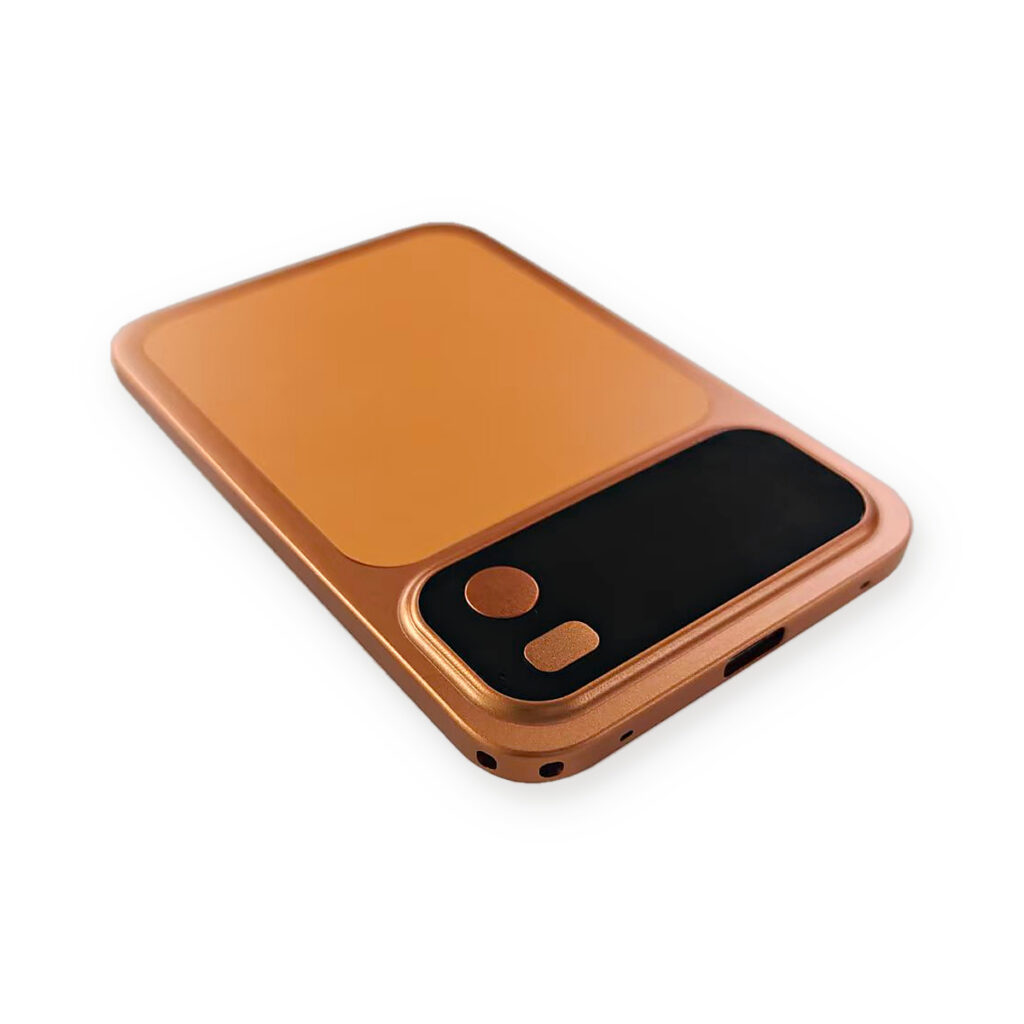
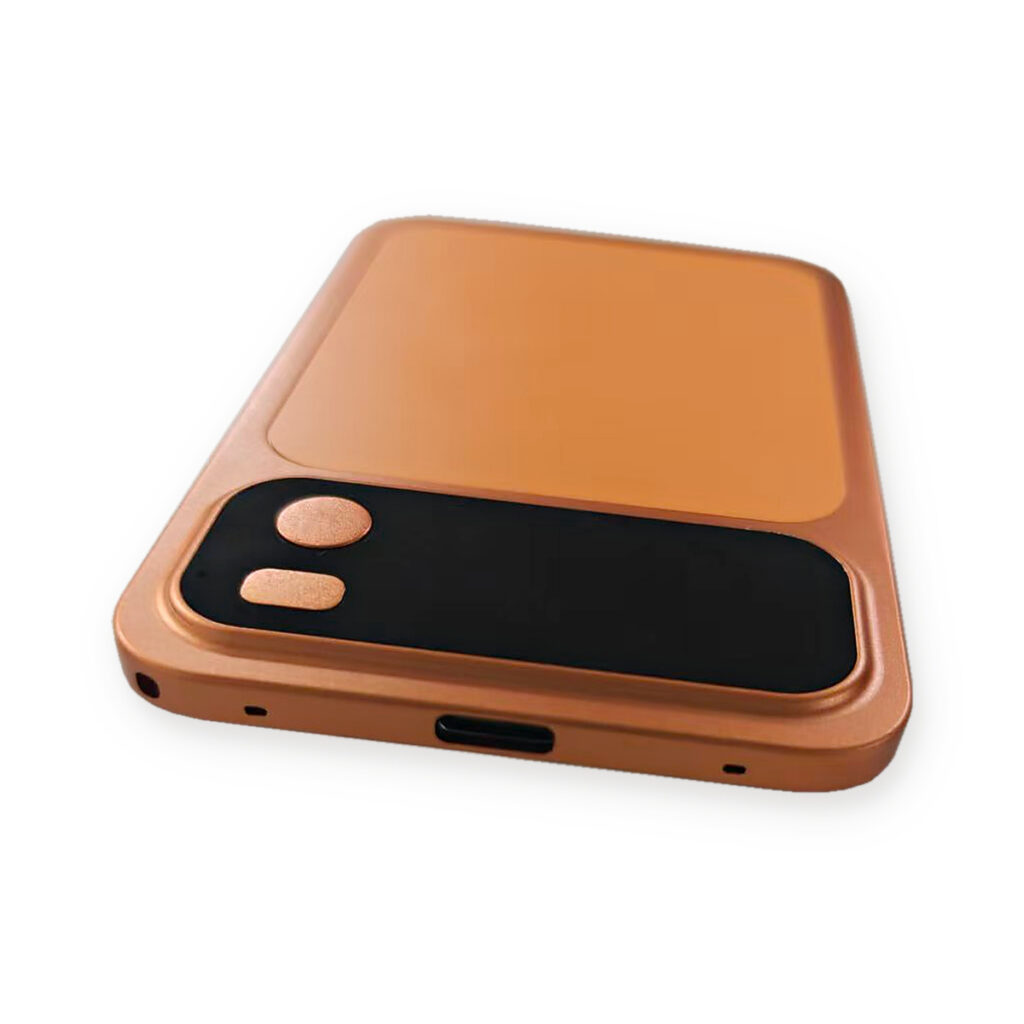
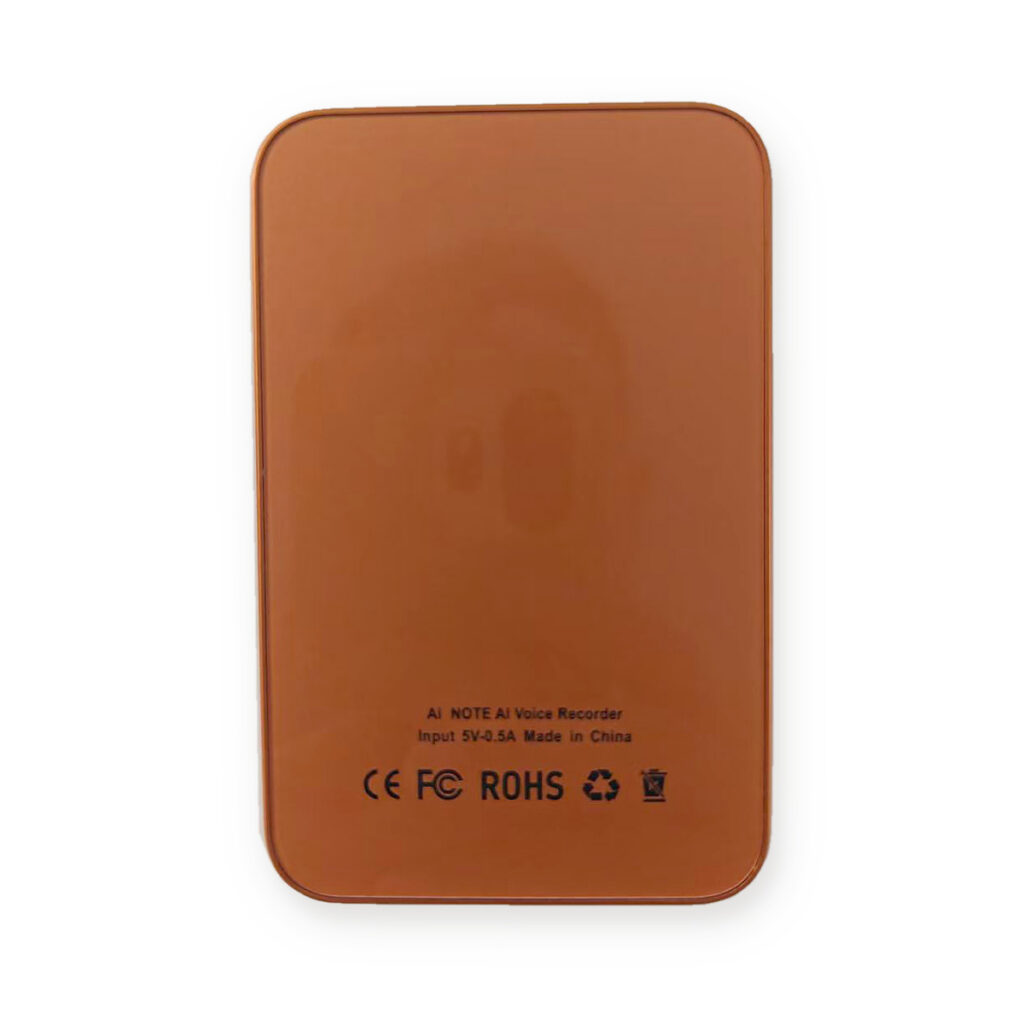
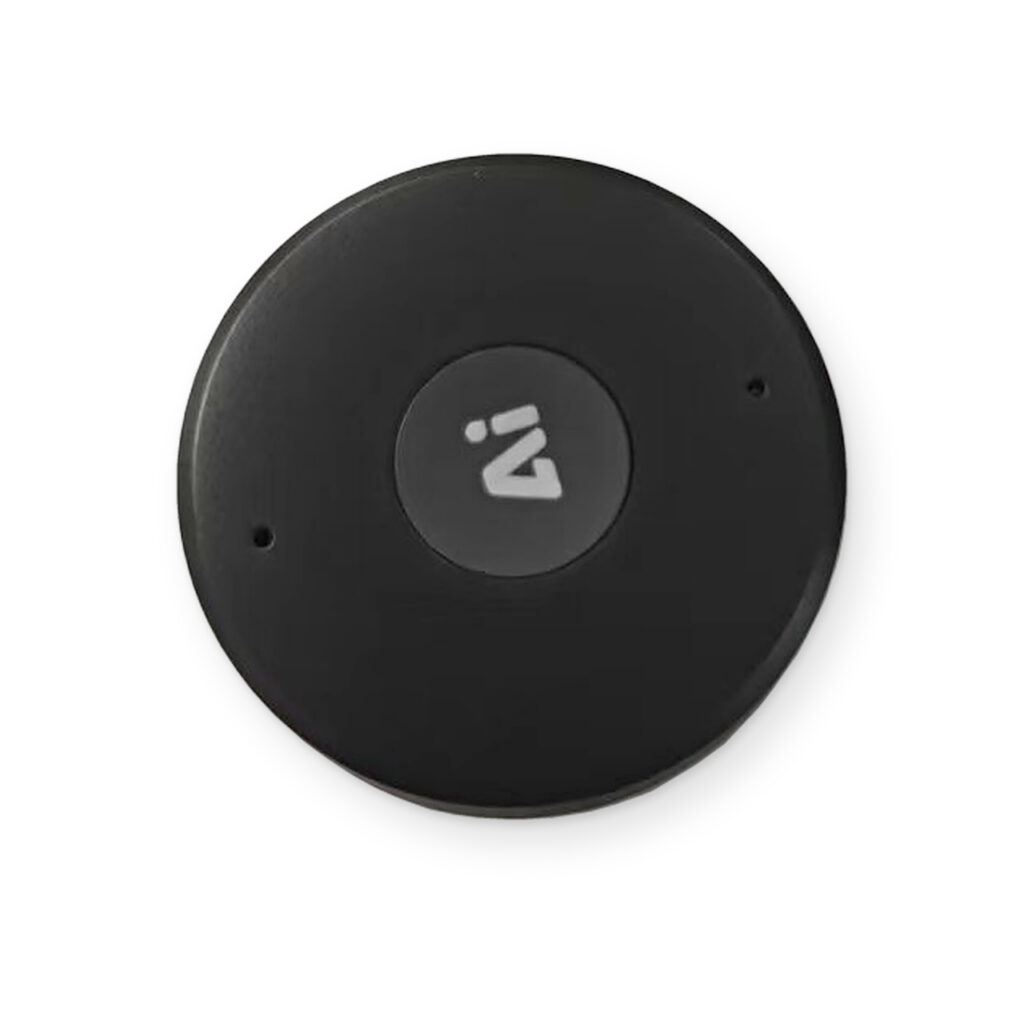
This is an open-source recorder card that connects to a smartphone, records and transcribes audio, and makes files easy to download, play, export, and share.
FEATURES & QUICK START
Capture · Understand · Organize
Your voice.
Your ideas.
More organized.
Capture audio with a compact recorder, then use the CozyLife companion app to turn recordings into transcripts, AI summaries and visual mind maps.
Device controls + app control + AI tools

Record
Control from the app or device
Understand
Transcripts, summaries & mind maps
Translate
Live speech-to-text translation
Transfer
Download files with Wi-Fi fast transfer
01 / Record & manage
Recording that stays
in sync with you.
Start a recording from the app and watch the waveform and elapsed time. Prefer physical controls? Use the recorder button while the connected app updates to match.
Your recordings, together
Open the device page to view recordings stored on the recorder. New files appear in the list after recording ends.
Download, play and organize
Save recordings to your phone for processing. Use the file menu to play, rename, move to a folder or delete a recording.

From the app
Start: Tap the recording control.
Monitor: Follow the timer and waveform.
Finish: Tap Stop / End.
On the recorder
Power on: Hold the power button.
Start: Double-press the recording button.
Pause: Press once during recording.
Finish: Double-press again.
02 / From audio to insight
One recording.
Three ways to review.
Download a recording, open it, select the transcription language and processing options, then submit. When processing finishes, explore the results in the app.
Speech-to-text transcription
Read a text version of your recording to revisit the details at your own pace.
AI summaries
Review topics and key points as Class Notes, an Interview Summary, Meeting Minutes or a Speech Outline. Change the style to regenerate the summary and mind map without changing the transcript.
Mind maps
See key points arranged into branches for a clear overview of the information.
Download → Select options → Process → Review
03 / Simultaneous translation
Follow the conversation
across languages.
Choose a source language or automatic detection, select your target language, then start. Recognized speech and translated text appear on the page as you speak.
The demonstration shows Chinese-to-English translation. Tap Stop / End to finish the session.

04 / AI conversation
Ask a question.
Keep exploring.
Open AI Chat, type a question and send it. Read the reply in the conversation, then follow up to explore further.
Built around completed summaries
The AI chat page uses completed recording summaries to help you find key points, review to-dos and ask about details.
Complete the recording summary first when you want to ask questions about its content.
05 / Settings & transfer
Set up your recording workflow.
01
Adjust noise reduction
Choose Off, Low, Medium or High in device settings to suit your recording environment.
02
Choose segment length
Choose 30 minutes, 1 hour, 2 hours or 3 hours per segment to organize longer recordings into manageable files.
03
Transfer via Wi-Fi
For larger recordings, enable device Wi-Fi and connect your phone to its hotspot as prompted. Download your files, then switch device Wi-Fi off.
Quick start
From first connection to useful notes.
STEP 01
Power on
Hold the power button to switch on the recorder.
STEP 02
Add in CozyLife
Open the app, search for nearby devices and select the recorder card to finish adding it.
STEP 03
Record & download
Open the device page, record from the app or recorder, then download the file to your phone.
STEP 04
Create & review
Choose your transcription language and processing options. Submit, then review the transcript, summary and mind map.
App-based transcription, summaries, mind maps, translation and AI chat are accessed through the CozyLife companion app. Screenshots show the demonstration app in Chinese; the instructions on this page are in English. Interface wording and available options may vary by app version.
Reviews
There are no reviews yet.